Personal
Prototyping, 3D, UI/UX, Visual Direction
Unity Engine, Figma
FW25
Sentinel
Sentinel is a global threat detection system designed to provide accurate, and immediate intelligence on emerging threats to defense and national security agencies, ensuring national safety and security.
Project Role
01. Conducted deep-dive analysis on conflict and operational failures to define the core problems.
02. Drove rapid spatial prototyping to establish a true localized 3D environment.
03. Developed custom technical solutions to create the signature transition feature for instant focus shift.
04. Designed and built the final, integrated system in Unity, streamlining the UI and control mechanism for immediate operator insight.
Inspiration
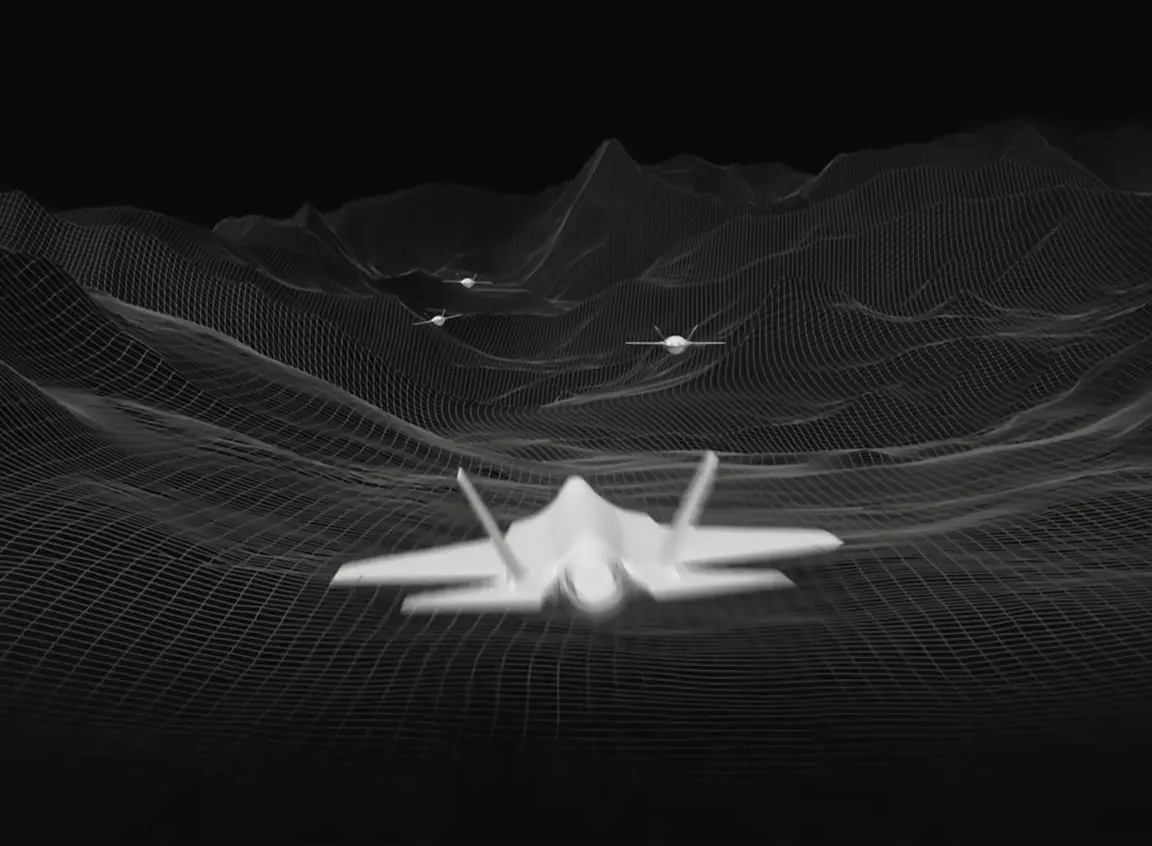
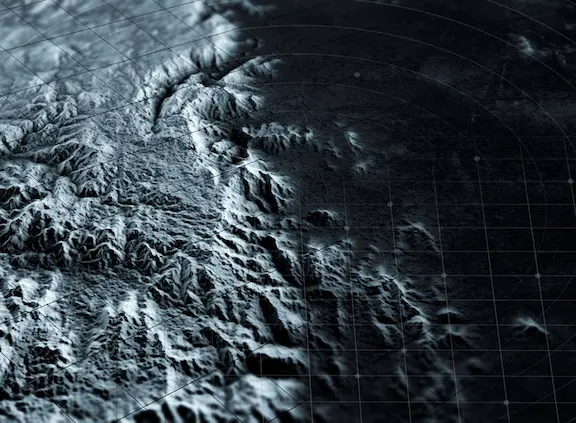
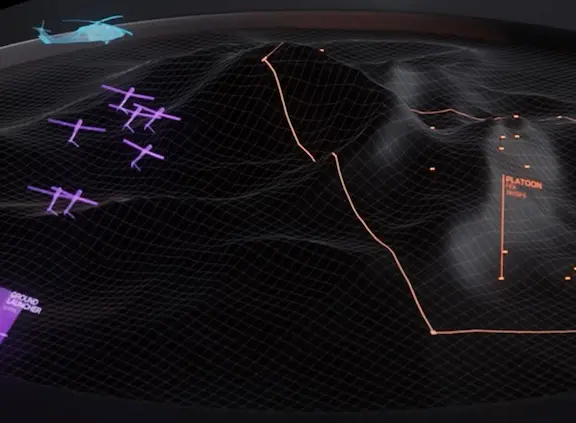
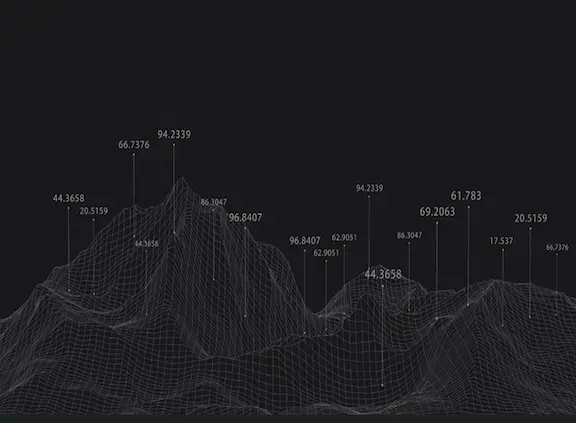
Spatial Intelligence
As a designer, I was driven to use real-time 3D and detailed data visualization to eliminate operational uncertainty.
By giving operators absolute clarity, we reduce the chance of miscalculation and accidental escalation. Ultimately preventing unnecessary conflict and fatalities.
Problem
Static Intelligence
Current systems rely on relayed, manual updates. By the time critical data reaches command, the reality on the ground has already changed.
Flat Visualization
Traditional dashboards display threats as abstract 2D numbers. Operators struggle to mentally translate this data into real-world spatial understanding during a crisis.
Research
Problem Validation
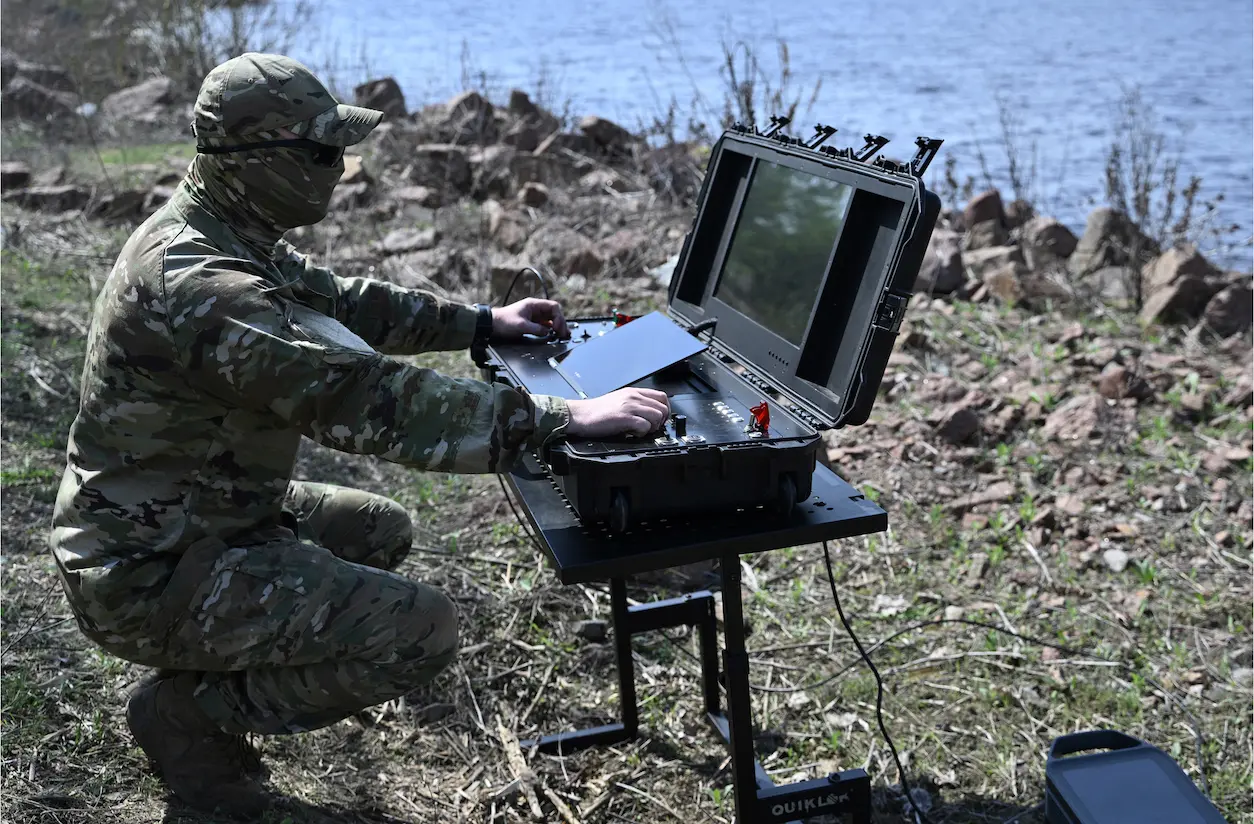
Information Lag
Analyzed command and control failures in the early stages of the Russian invasion of Ukraine.
Found that a critical information lag where frontline events failed to reach top decision-makers. Eventually causing leadership to plan a 3-day offensive that stalled into a 3 year long conflict.
There was a lack of a system that provided accurate real-time facts that weren’t delayed
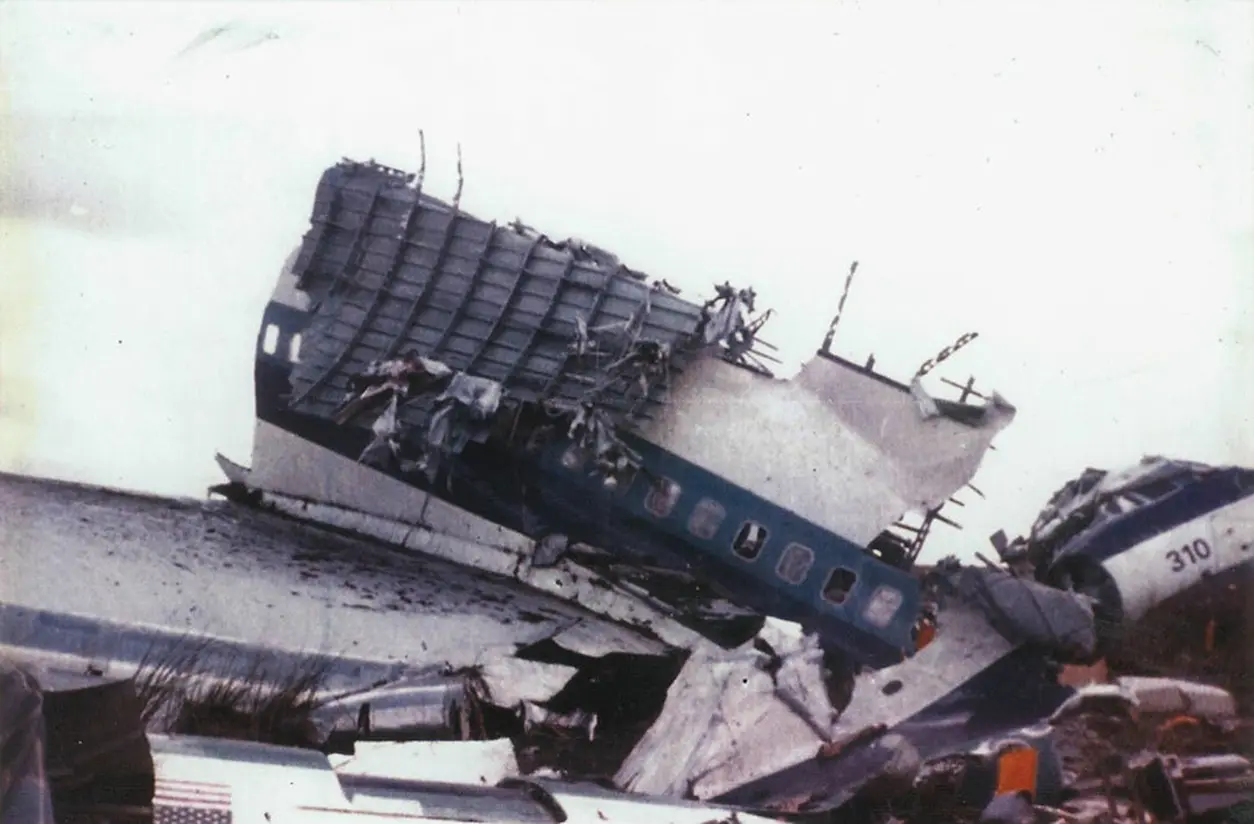
Cognitive Tunneling
Looked into reports on major aviation disasters and found that cognitive tunneling was a primary cause of failure.
Pilots had the correct data, however, could not synthesize it quickly enough during a crisis.
Without an interface that could visualize data intuitively, all of the data and the information was practically useless.
Research Basis:
NTSB Report AAR-73-14 (Eastern Air Lines 401)
NTSB Report BEA Final Report (Air France 447)
Ideation
HMW Statement
Process
During my process, I consciously shifted away from my default 2D prototyping habits to focus on spatial iteration. This allowed me to immediately test how depth and geographic context could translate abstract data into instant operational insight.
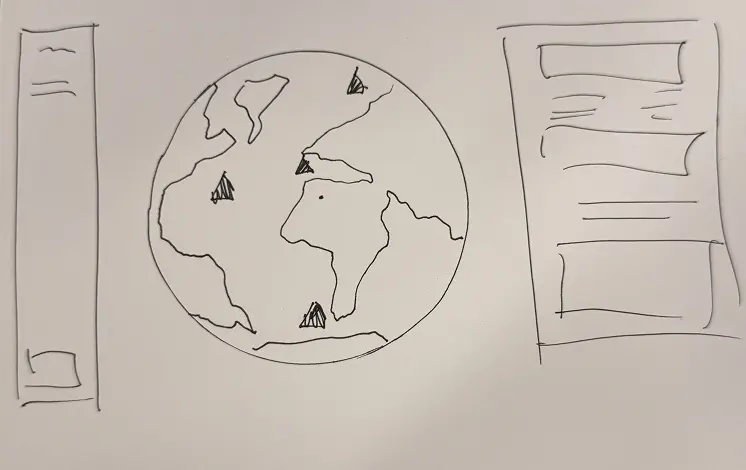
Low Fidelity Sketching
The initial concept focused on a centralized 3D globe to display all real-time alerts.
The surrounding UI provided essential metadata for each alert. Selecting a target initiated a magnified profile view to display a detailed asset classification, image history, and immediate status.
Mid Fidelity Prototype
The first prototype featured a central 3D globe with dynamic alert regions and placeholder UI.
This test was instrumental, as it revealed that a full sphere didn't achieve true spatial feeling. This insight immediately necessitated a pivot to a localized, terrain-based view.
Spatial Experiments
I moved away from the global view to focus on localized, realistic terrain.
I integrated the MapBox SDK to pull in real-world geographic data and used Unity's Shader Graph to create the necessary masking and visual effects. This technical step established true depth and scale, inspired by high-fidelity command room displays.
2 Terrains
I created a custom shader solution to overcome material limitations with the MapBox SDK.
This allowed me to develop the project's signature feature: an animated, advanced dissolve transition that shifts the map between the realistic geographic view and a high-contrast 3D model view upon alert selection.
Terrain Transitions
I made the decision to transition away from MapBox to use a solid, custom terrain. This was necessary to allow full control over the Advanced Dissolve Shader which powers the primary alert feature.
This iterative step finalized the feature: clicking an alert area triggers a seamless dissolve and camera transition to the detailed operational view.
UI / Finalizing
Designed the complete UI in Figma and building the integrated system in Unity.
I streamlined the alert activation process by removing the dedicated 3D alert areas. Instead, control was centralized in the UI, where each alert card featured dual-action buttons: one for selection, and one for immediately triggering the advanced 3D dissolve and camera transition to the detailed operational view.
Final Designs
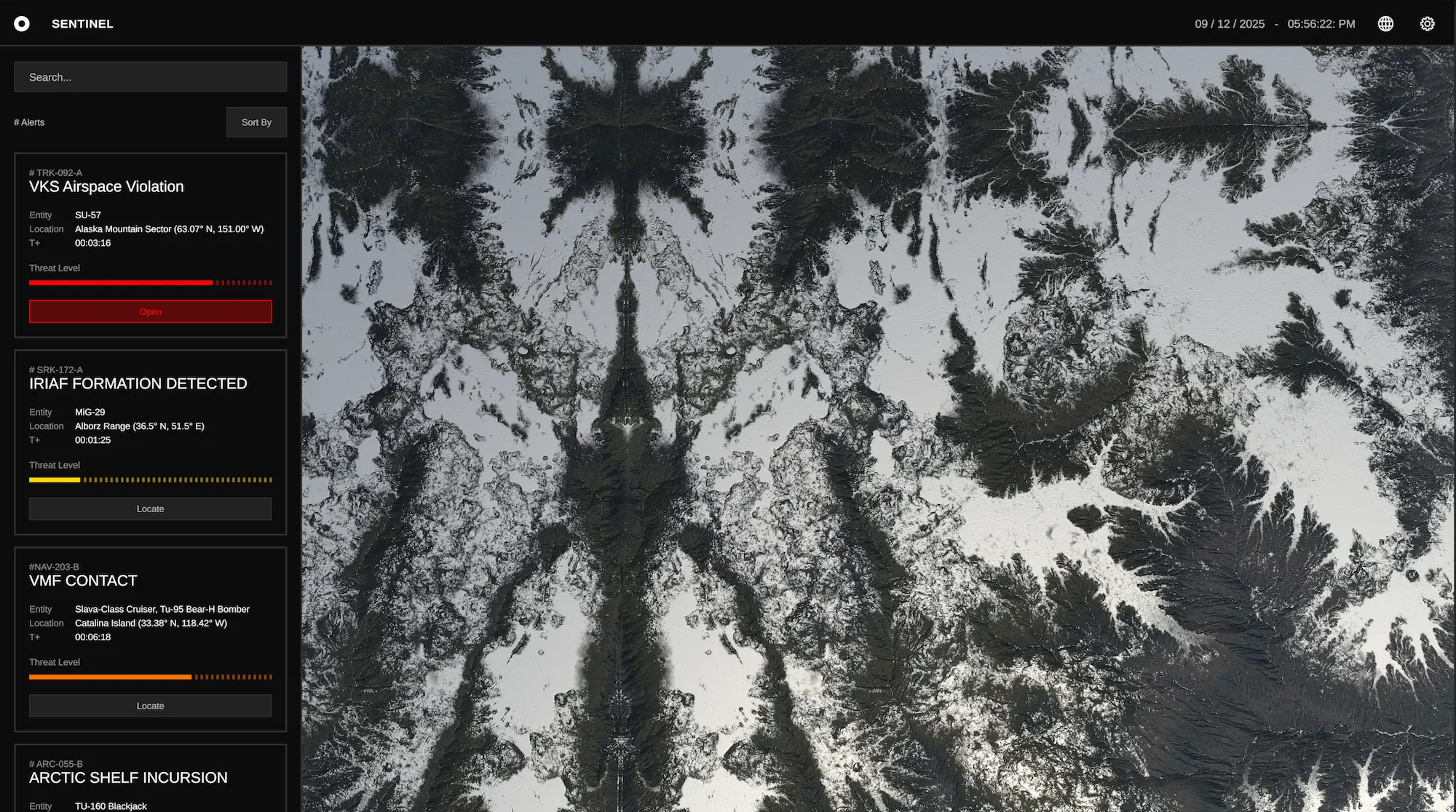
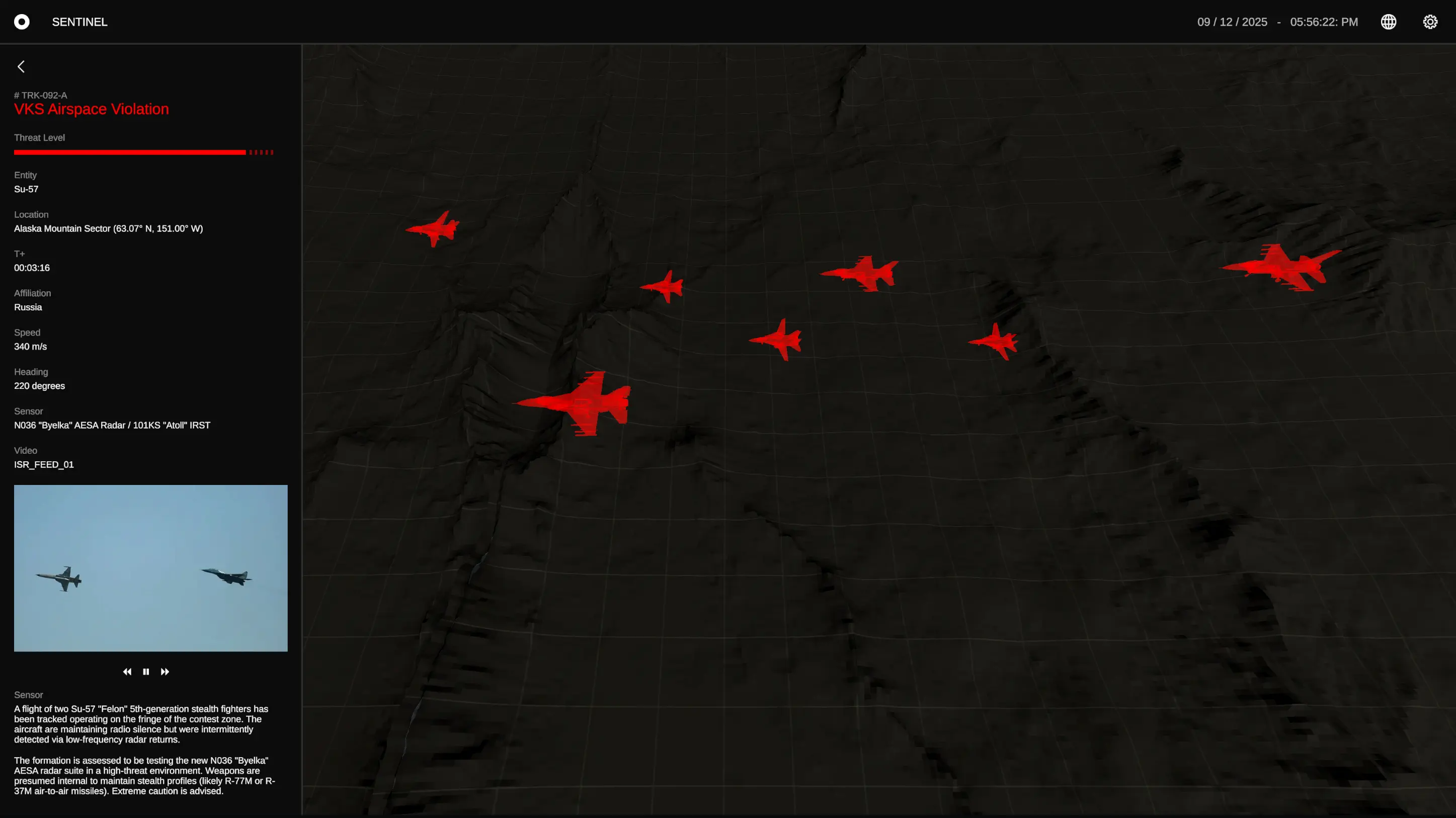
View all critical data with spatial certainty
The final prototype integrates real-time 3D terrain and UI, delivering instant operational insight to eliminate information lag and cognitive burden.